For riding schools

The app for your riding school

StalliQ replaces paper schedules and WhatsApp groups with a booking system in which your students book and cancel themselves. Waiting list, skill level checks and double-booking protection run automatically. You keep track of attendance, open payments and capacity - and your students pay nothing for it.

You probably know this

What StalliQ takes over

Schedule with recurrence

You set arena, discipline, skill level, capacity and recurrence pattern. The lessons appear in your students' schedule immediately.

Booking and cancelling without asking

Students book themselves, join the waiting list when a lesson is full and move up automatically. StalliQ checks skill level, double bookings and horse conflicts.

Cash or card - decided per lesson

For each lesson you set two separate cash prices (with and without a school horse) and which lesson cards apply. When booking, students only see the options that fit.

Attendance and open payments

In the attendance check you tick off who showed up. Cash bookings become open receivables that you mark as paid or cancel with a mandatory reason - with a correct counter-entry.

Billing and audit trail

Every card sale and every paid cash lesson gets a sequential receipt number - both share the same gapless sequence. Cancellations and refunds are booked as negative offsetting entries, the original receipt stays visible. The finance tab breaks the figures down by payment method and filters by period; PDF and CSV export go straight to your accountant. Under the German small-business rule (§19 UStG) a single switch sets the tax rate to 0%.

Capacity and statistics

You see which lessons fill up and which do not, plus card sales and balances per student.
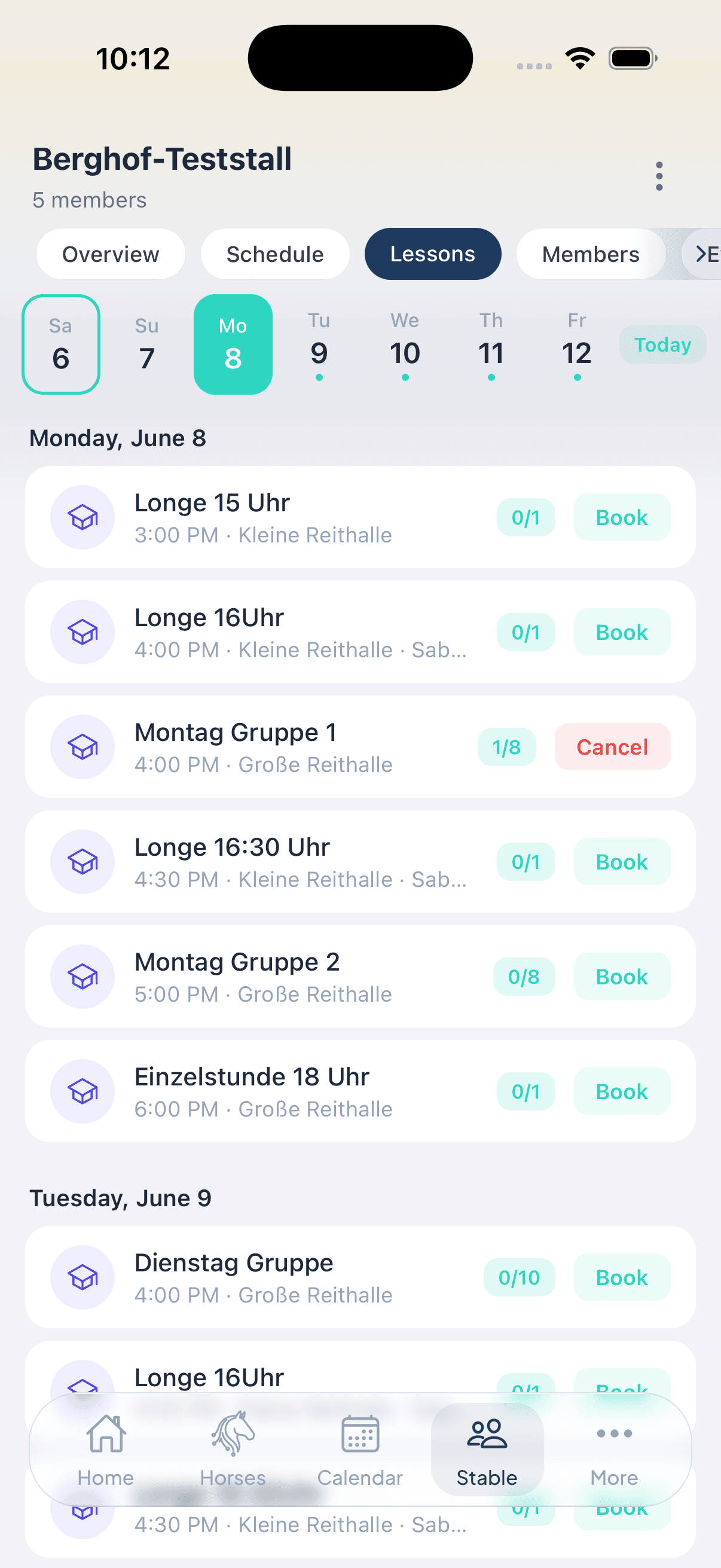
Riding lesson booking with day view
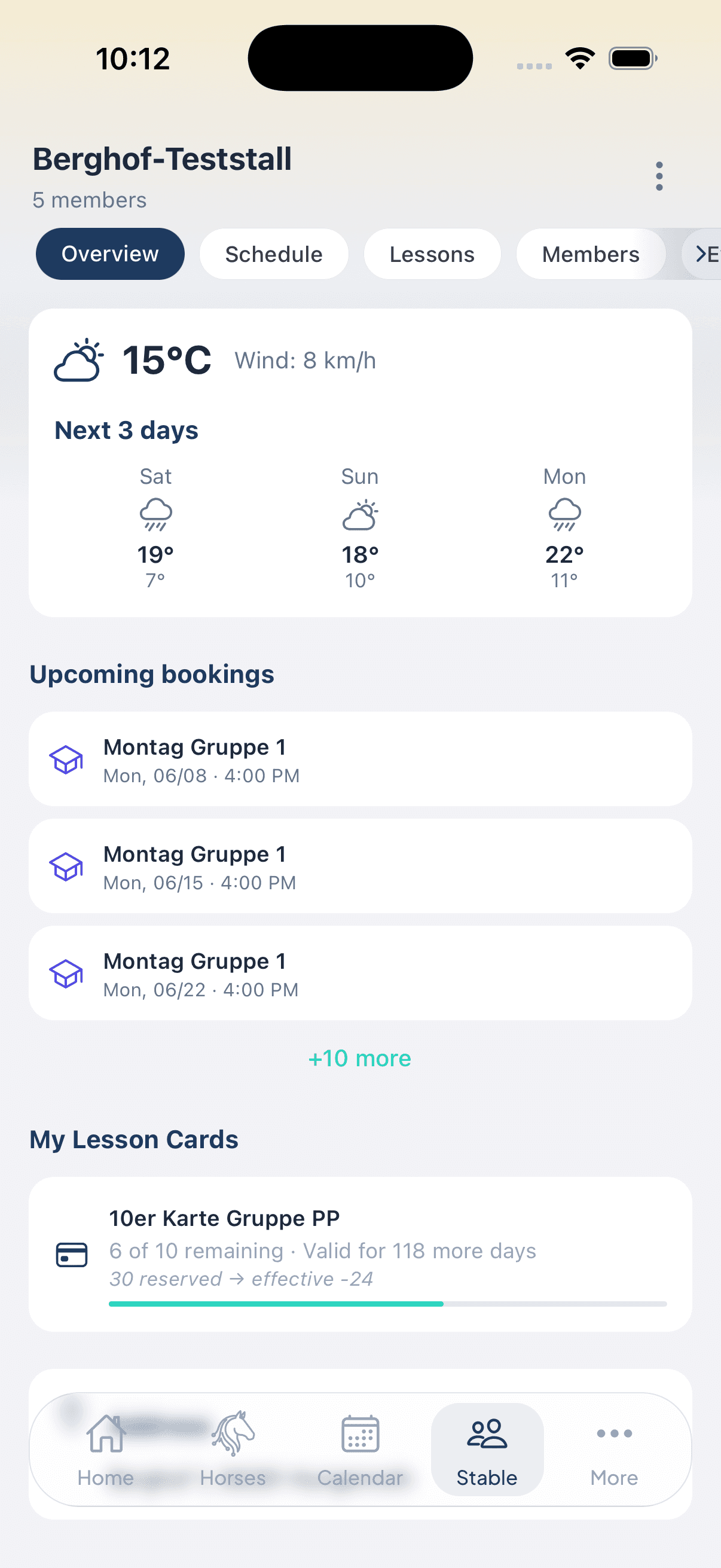
Stable overview with weather, announcements and bookings

Read it step by step

The key guides for running lessons:

Frequently asked by riding schools

Do my students have to pay anything?

No. Riding students use StalliQ free of charge - viewing the schedule, booking, cancelling, waiting list, lesson cards. Only the business pays for the stable subscription.

How do my students book a lesson?

In the stable tab they see the schedule sorted by day, with time, arena and available places. One tap on \u201cBook\u201d is enough. If the lesson is full they join the waiting list and move up automatically when someone cancels.

Can I combine cash payment and lesson cards?

Yes, and per lesson. You set two separate cash prices (with and without a school horse) and additionally choose which lesson cards apply to that lesson. When booking, StalliQ only shows the student the options that match their horse and their balance.

What happens with short-notice cancellations?

The place becomes available and the first person on the waiting list moves up, with a push notification. Whether a cancellation counts as excused and the lesson is credited back is your decision in the attendance check.

Do I get an overview of my income?

Yes. The finance tab of the stable statistics shows all income from lesson card sales and paid cash lessons, broken down by payment method and filterable by week, month, quarter, year or a custom period. Every transaction carries a sequential receipt number; cancellations and refunds appear as negative offsetting entries, so the sequence stays gapless. PDF and CSV export hand the overview to your accountant. What StalliQ does not do: process payments or issue invoices to your students - collecting the money stays with you, and customer invoices are still created in your own system.

How do I switch over?

You create your stable in the web portal and start with a free four-week trial. Then you set up disciplines, arenas and skill levels, invite your students and create the schedule.

Organise your riding school digitally

Four weeks free - set up in the web portal, your students use the app at no cost.

See prices for stable operators